Tools
Levels
Setting the black point, white point and midtones, for all channels or one.
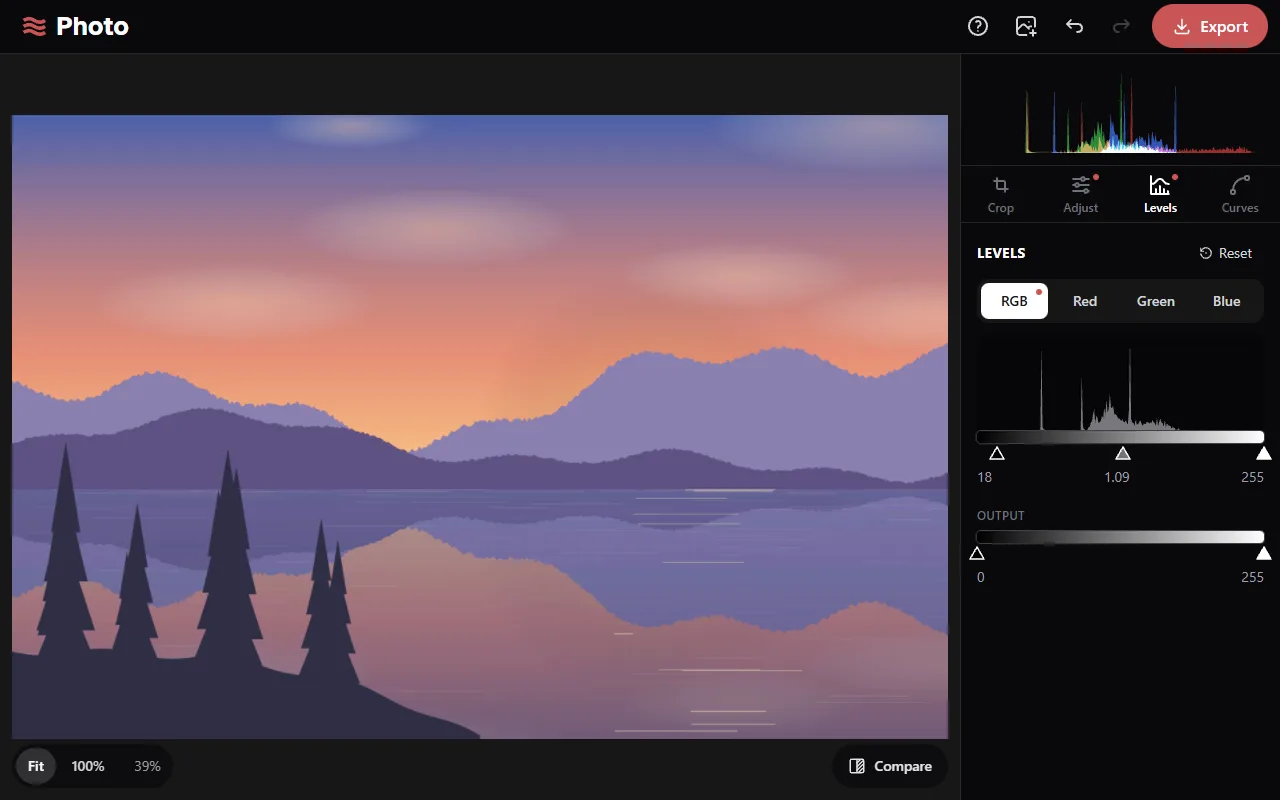
The histogram
The chart shows the number of pixels at each brightness, from black on the left to white on the right. It shows the photo before Levels: with the crop and the Adjust changes applied, except Vibrance and Saturation.
Input
- Black point (left handle): values at or below it become black.
- White point (right handle): values at or above it become white.
- Midtones (middle handle): sets the gamma shown below the bar. Above 1 brightens the midtones, below 1 darkens them. The black and white points don't move.
Output
The output handles set the darkest and brightest values in the result. Raising output black lightens the blacks; lowering output white darkens the whites.
Channels
RGB applies to all three colour channels. Red, Green and Blue apply to one channel each, which changes the colour balance. For example, moving the Blue midtones handle to the right reduces blue in the midtones. A dot marks each channel with changes.
After clicking a handle, the arrow keys move it by 1, or by 10 with Shift.